
A Catalyst for Change
Social Current is the premier partner and solutions provider to a diverse network of human and social service organizations. Together with our network, we are activating the power of the social sector to effect broader systemic change that is needed to achieve our vision of an equitable society where all people can thrive.

2024 Executive Leadership Institute
Equips senior-level managers and executives with the knowledge and skills to oversee day-to-day operations, and prepare for the future and greater systems change.

Advocacy Amplified Training and Hill Day
This comprehensive and interactive three-day event in Washington, D.C. is designed to empower individuals in the social sector with fundamental and advanced advocacy skills.

Building a Resilient Workforce Learning Series
This four-part webinar series will delve into core strategies and tactics for supporting staff, such as increasing accountability, managing conflict, nurturing relationships, embracing equity, and achieving excellence.
Latest News
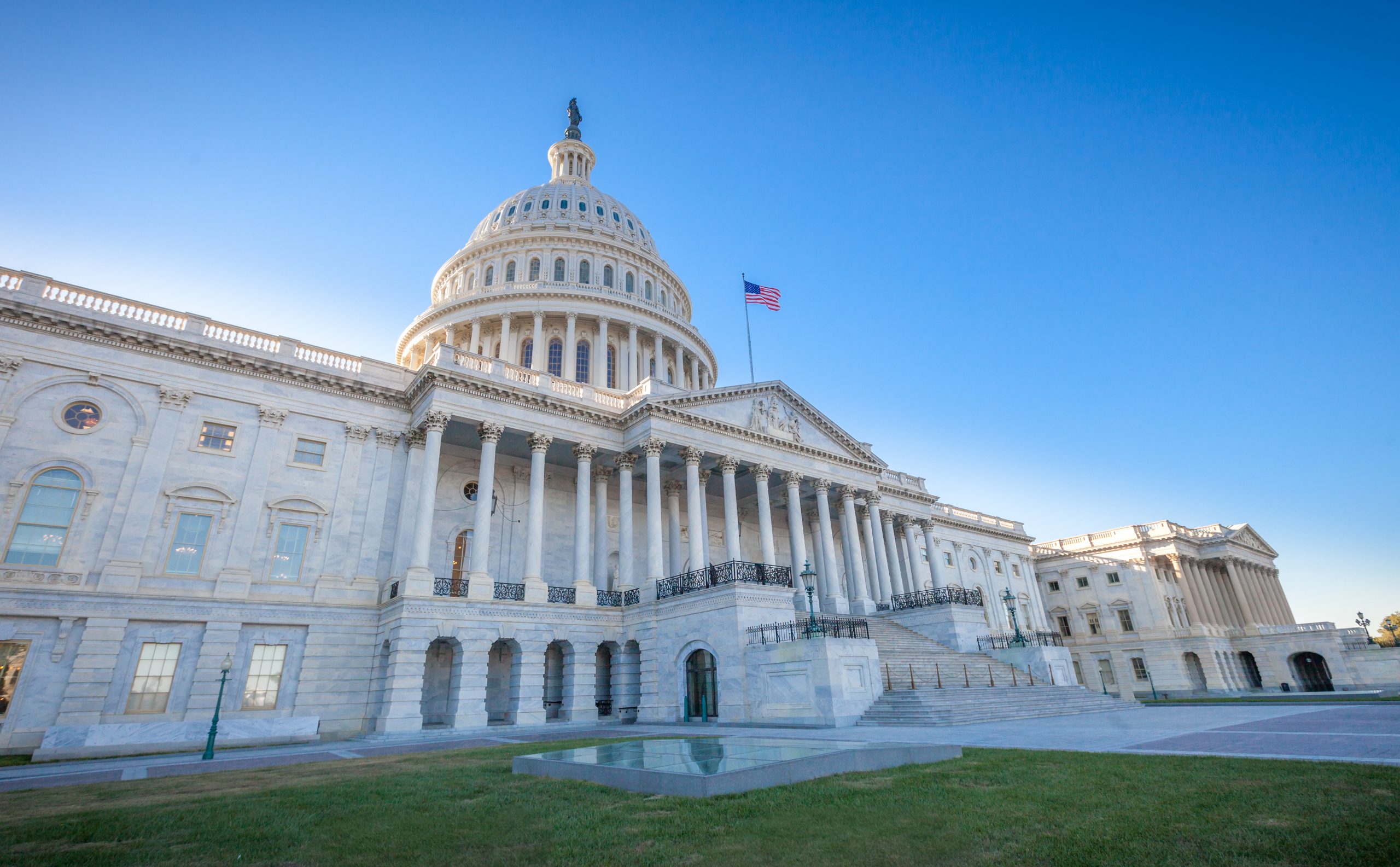

EDI Learning Solutions for Whole Organizations
April 16, 2024 |
Equity, Diversity, and Inclusion

Expert on Technology and Human Services to Discuss AI Considerations a…
April 4, 2024 |
Leadership Development and Organizational Excellence, News

Why the Focus This Child Abuse Prevention Month is on Protective Facto…
March 28, 2024 |
Child, Family, and Community Well-Being
Events
Subscribe to Our Newsletters
Bi-weekly newsletters with up-to-date information on Social Current, and the latest roundup of policy and advocacy.
Areas of Impact
We work to achieve impact by supporting, strengthening, and amplifying the work of the social sector in six core areas.
Brain Science and Trauma-Informed Approaches
Infuse brain science to build meaningful relationships and resilience

Child, Family, and Community Well-Being
Identify upstream solutions for keeping families strong and together
COA Accreditation
Commit to continuous improvement and evidence-based practices
Equity, Diversity, and Inclusion
Advance equity to strengthen your organization and community impact

Government Affairs and Advocacy
Achieve influence at the federal level through advocacy and mobilization
Leadership and Organization Development
Gain leadership skills to address complex challenges and create impact